
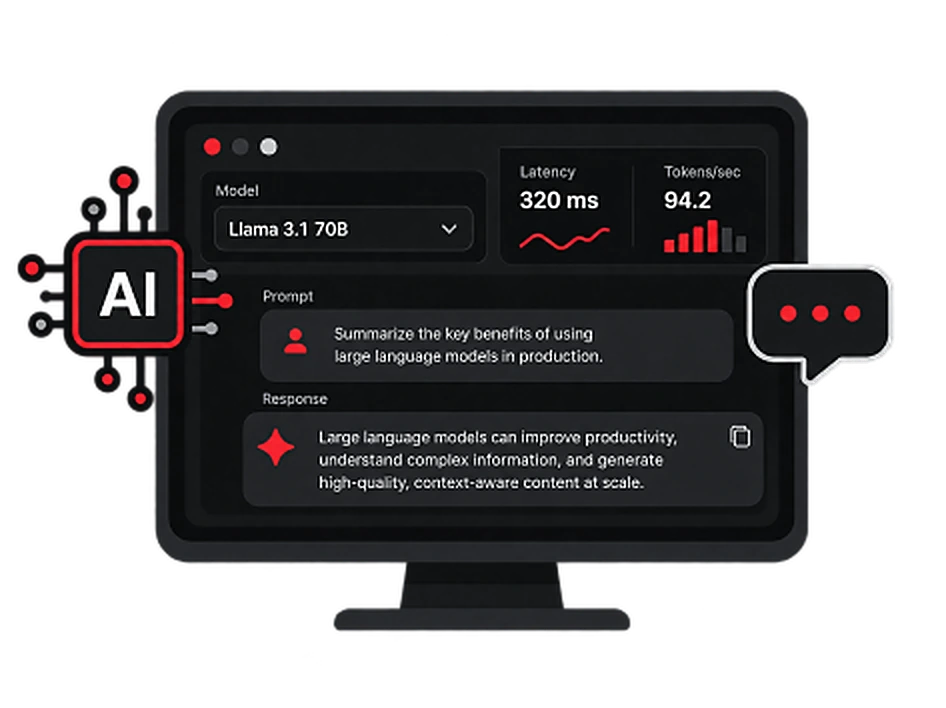
AI Inference & LLMs
Let learners explore how AI models process requests, generate responses and perform under different workloads.
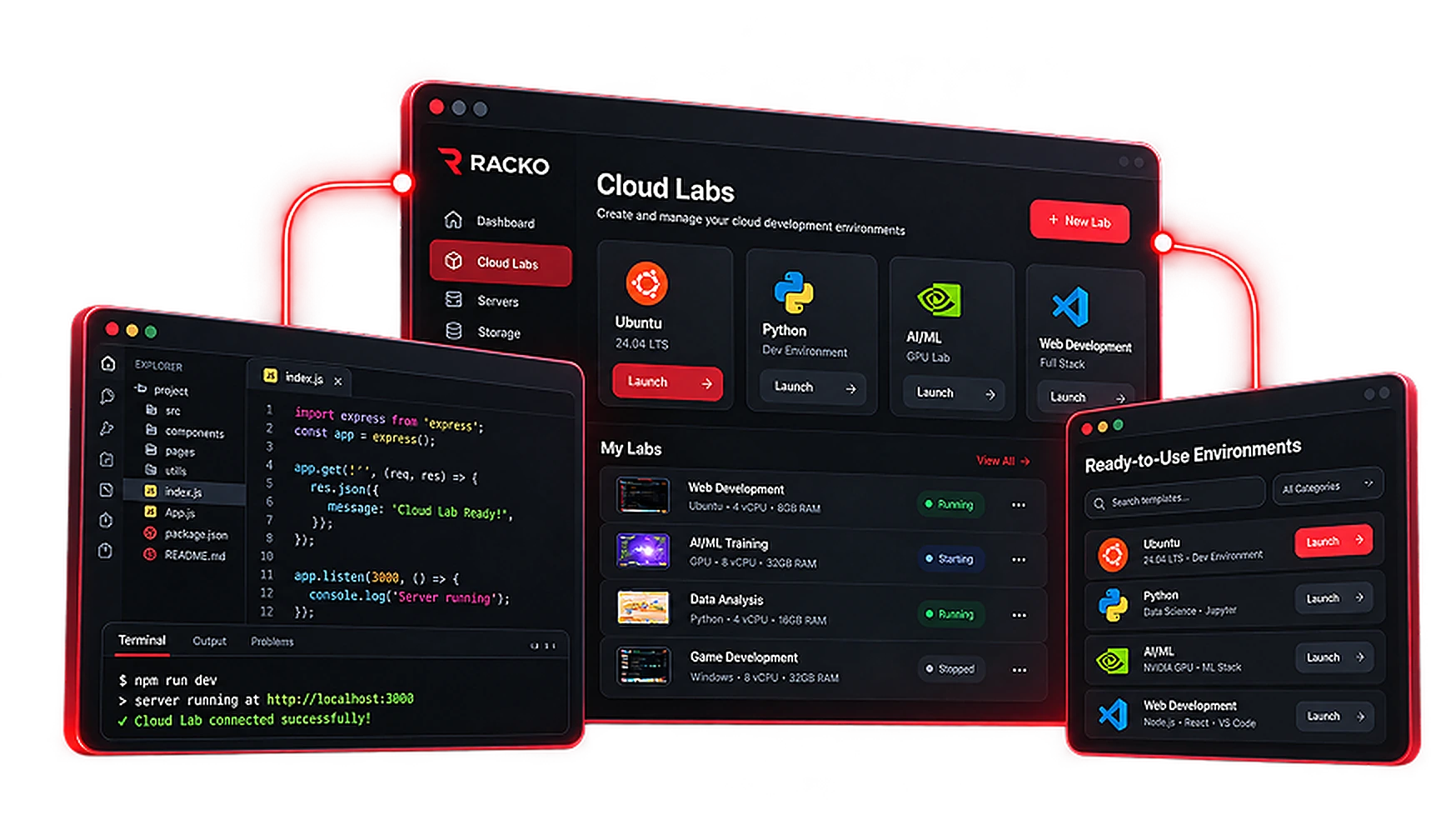
CLOUDLABS & WORKSPACES
Give learners, developers, and customers the environments they need to get hands-on. Launch labs, sandboxes, and demos with reusable templates, clear spending limits, and expert support from setup to cleanup.
Lab Use Cases
Match your cloud environment to the skills learners need to practise.
Let learners explore how AI models process requests, generate responses and perform under different workloads.
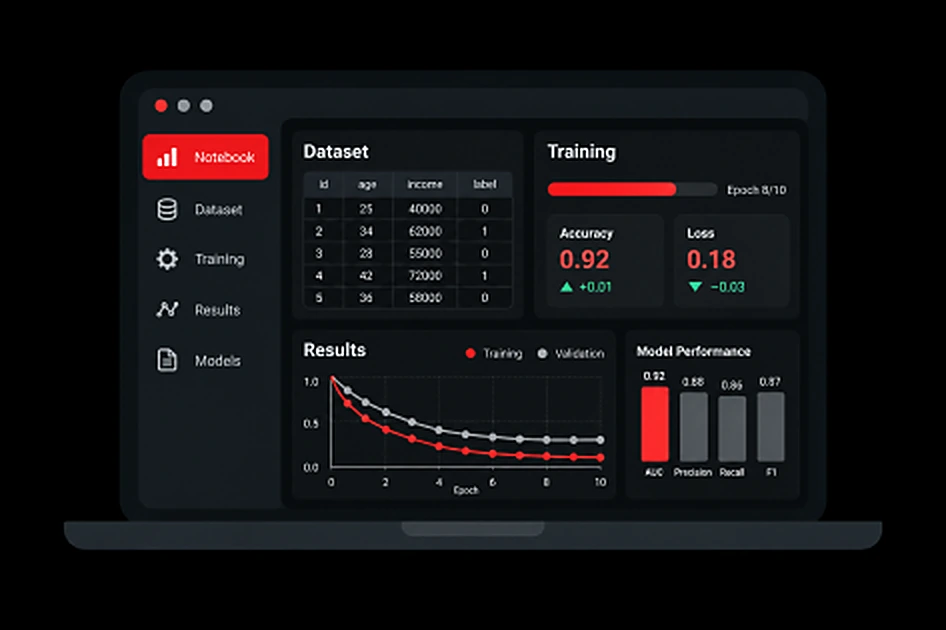
Help learners work with datasets, run machine learning experiments and evaluate model performance.
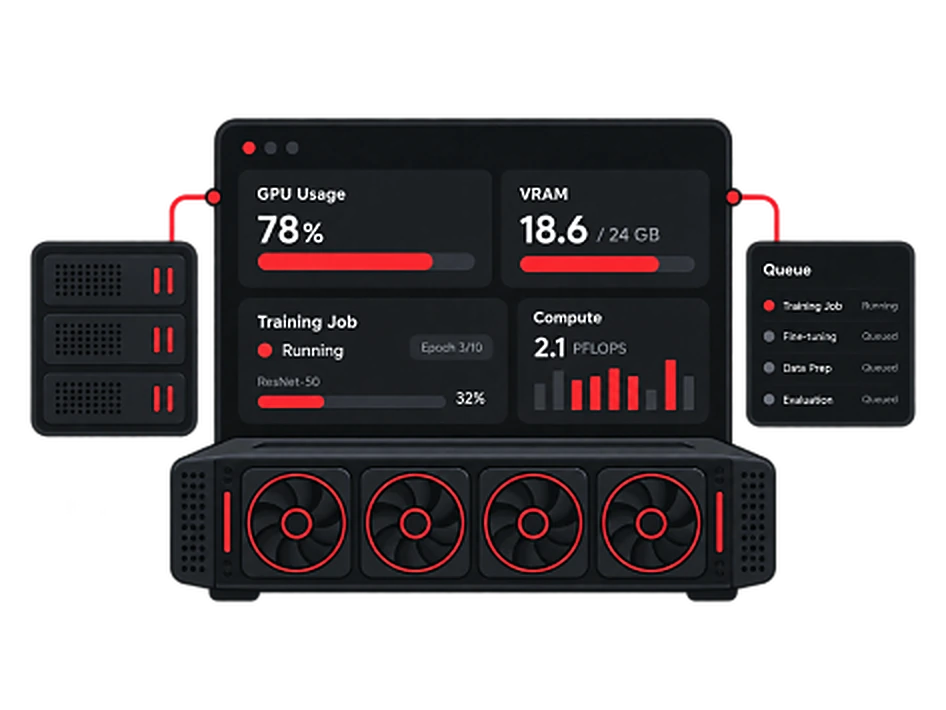
Give learners practical exposure to GPU-accelerated computing and resource-intensive AI workloads.
Teaching & Practice
Instructors guide the exercise. Learners put the skills into practice.
Prepare the tools, define the exercise and share clear instructions.
Exercise brief
Connect to the environment, follow the brief and work through the exercise.
Illustrative lab experience. Access and setup depend on your course requirements.
Built For Classrooms
Prepare a learning environment once and make it available to an entire class, so students can focus on practical exercises instead of setup.
Discuss Your Requirement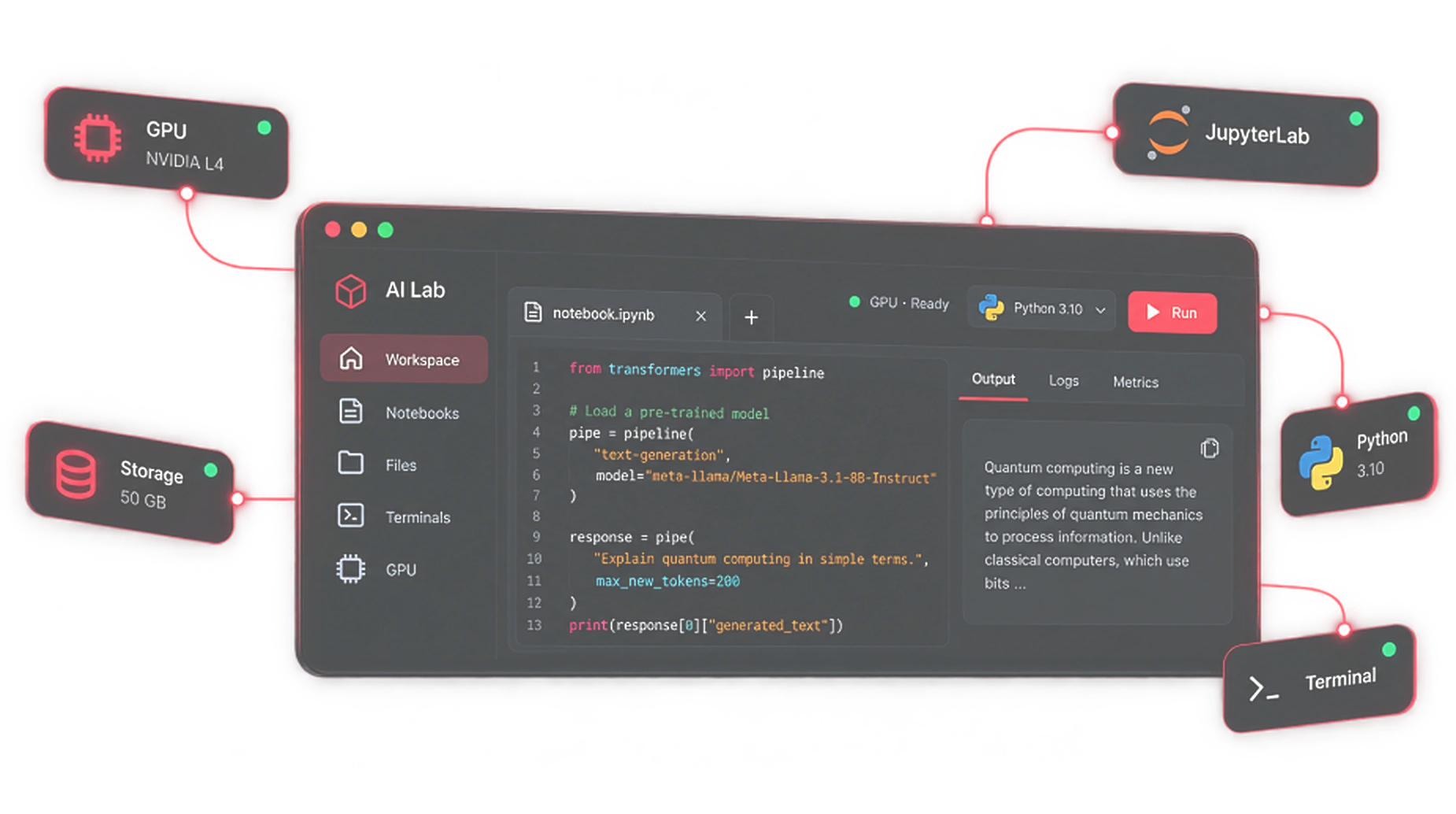 Deploy to learners
Create a lab once and use it for multiple batches.
Give learners their own environments instantly.
High-performance GPUs for real-world practice.
Keep track of usage and progress easily.
AI & Compute Environments
From running language models to training machine learning systems, provide learners with the compute resources and tools needed for hands-on AI education.
Discuss Your RequirementsHow It Works
Set up the infrastructure behind your education platform in four steps.
Identify your workloads and requirements.
Select suitable infrastructure.
Configure and launch applications.
Maintain your infrastructure and apps.
Offer browser-based cloud labs under your brand. Focus on growing your customer base while Racko handles the infrastructure, provisioning and uptime.
No setup, no installs. Access labs directly in the browser.
Use your own brand, domain and custom experience.
Add cloud labs to your training offerings and reach more learners.
You manage the customer side.
We manage the infrastructure.
Supported Technologies & Environments
Racko infrastructure can support common cloud-connected applications, education software, developer stacks, and AI-powered workloads.
Explore cloud-connected workflows and applications involving leading cloud providers.
 Amazon Web Services
 Microsoft Azure
 Google Cloud (GCP)
Host and scale widely used education software.
 Moodle
 edX
edXBuild, test, and experiment with AI-powered applications using popular AI services and developer tools.
 OpenAI
 Claude
 Cursor
Run the languages, frameworks and databases your courses are built on.
 Node.js
 Python
 React.js
 Linux
Linux Docker
 PostgreSQL
What Educators Say
Institutions and training providers use Racko Cloud Labs to run practical sessions, workshops and full-course programs.

“Racko made it easy for us to provide a consistent lab environment for all our students. Setup was smooth and the performance has been great.”



















By The Numbers
Let’s Get Started
Tell us what you want to teach, build, test, or demonstrate. We’ll help you choose the right setup and get your CloudLabs environment ready.

